


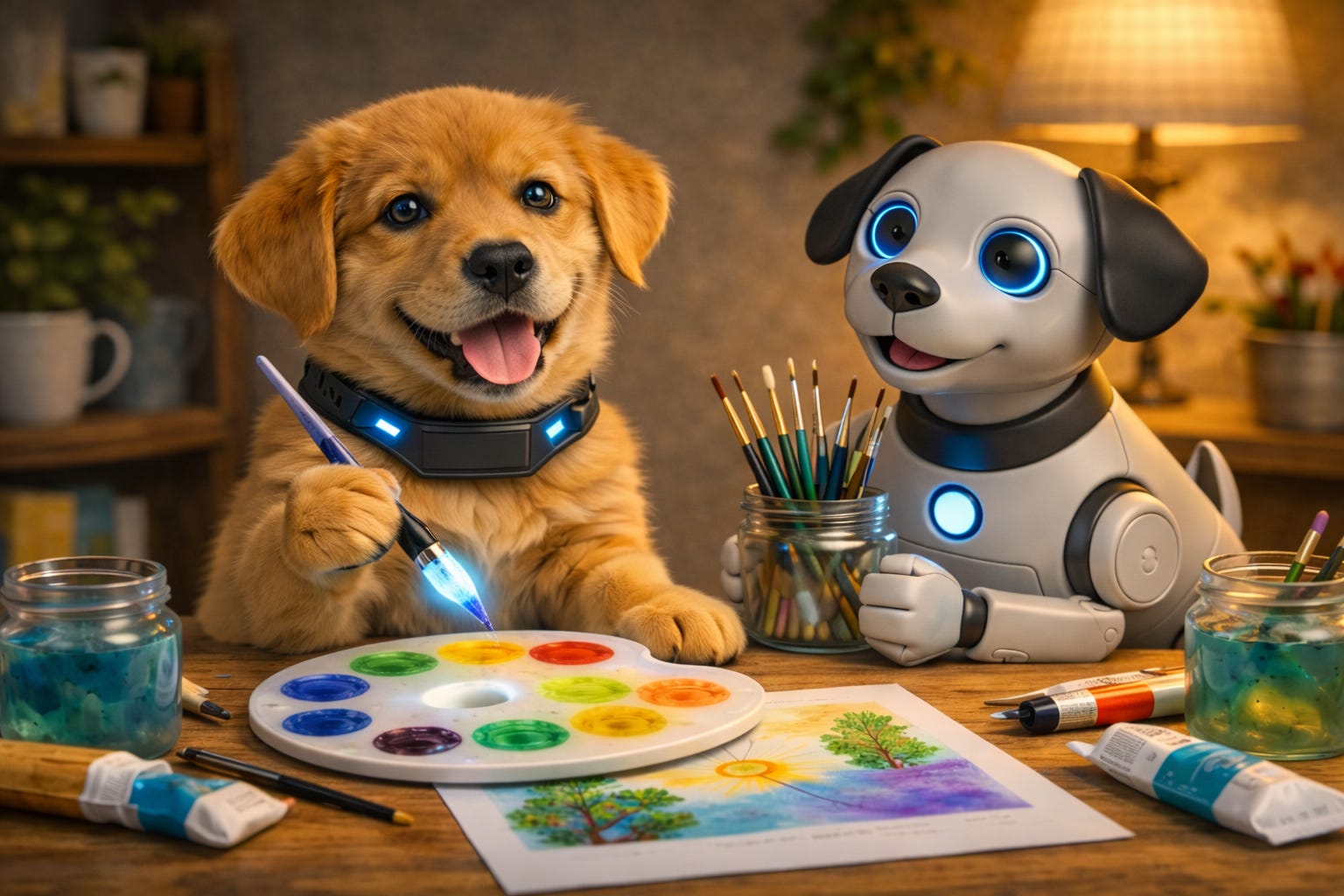
As an artist, I am careful with AI.
I do not want it to take over my style.
I do not want it to make my work feel generic.
And I definitely do not want to lose the part of art that comes from me.
So I use AI in a very specific way.
I use it as a support tool.
What AI helps me do
AI helps me with:
Idea expansion
Theme exploration
Collection planning
Title brainstorming
Product description drafts
Content planning for art posts and videos
That is a huge help, especially when I have a lot going on and I need momentum.
What AI does not do for me
AI does not replace:
My hands
My style
My story
My color choices
My final decisions
That part stays human.
Always.
My simple art support workflow
Here is how I use it when I feel stuck.
1) I start with my own seed idea
Example:
“I want a playful painting idea with movement, color, and a little attitude.”
That is my voice first.
2) I ask AI for variations
Then I ask for 10 to 20 directions based on my idea.
Not finished art.
Just concepts.
That gives me options without draining my creative energy.
3) I filter hard
This is the important part.
I do not use everything.
I pick what fits my style and ignore the rest.
AI gives volume.
I provide taste.
4) I turn ideas into a real project
Once I choose a direction, I use AI to help with support tasks:
A collection name
A short artist statement
A product description
A few social captions
This saves time and helps me stay consistent.
Why this works for artists
AI is strongest when it helps with the parts around the art.
It can speed up planning and wording.
It can help you break a creative stall.
It can help you stay organized.
But your actual creative identity still matters most.
That is the part no tool can fake.
AI Puppy Tip for artists
Use this prompt format:
“Give me idea variations for an art piece based on this concept: [your concept]. Keep it aligned with [your style words]. Do not copy any artist. Keep the ideas original, simple, and usable.”
That keeps the suggestions cleaner and more useful.
Final thought
AI should support your creativity, not flatten it.
Use it like a studio assistant.
Not the artist.
If you are an artist using AI and trying to keep your style strong, reply and tell me where you get stuck most. I may turn that into a future AI Puppy Playbook lesson.
Your Call to Action
Subscribe to AI Puppy Playbook if you want practical ways to use AI for creative work without losing your human voice.
Disclaimer
This post reflects my creative workflow and personal approach. Always make choices that protect your voice, originality, and values as an artist.
Join Me on YouTube
Learn how to use AI with clarity, confidence, and common sense.